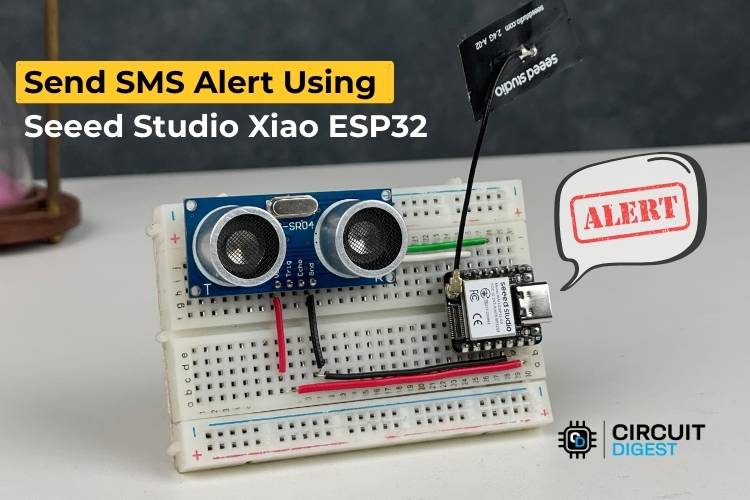
Compact IoT SMS alert system using Seeed Studio XIAO ESP32 & HC-SR04 sensor with Wi-Fi based notification via free cloud API.
In this hands-on IoT project, you’ll learn how to build a compact and efficient send sms alert using seeed studio ESP32 microcontroller and an HC-SR04 ultrasonic sensor that detects nearby motion and instantly sends SMS notifications over Wi-Fi — without the need for costly GSM hardware.
This practical tutorial leverages a free cloud SMS API from CircuitDigest Cloud, enabling real-time message delivery straight to your mobile phone by simply triggering an HTTP request over Wi-Fi when movement is detected.
Why This Project Matters
Traditionally, SMS notifications in IoT systems require GSM modules and SIM cards, increasing complexity and cost. In contrast, this solution uses:
- Wi-Fi connectivity for network access
- Cloud API for SMS delivery
- Minimal hardware
- Arduino IDE compatibility
This approach makes it ideal for home security systems, remote alerts, and other smart monitoring projects — all manageable with low power and budget-friendly components
What You Will Learn
By following this project you’ll gain the ability to:
- Understand and set up the Seeed Studio XIAO ESP32-S3 pinout
- Connect and configure the HC-SR04 ultrasonic sensor
- Write Arduino code to trigger SMS alerts
- Integrate a cloud-based SMS API without requiring GSM hardware
- See real-world applications for home, industrial, and agricultural IoT deployments
How the System Works
Initialization – The XIAO ESP32 initializes and connects to Wi-Fi.
Distance Measurement – The HC-SR04 sensor measures distance in real time.
Movement Detection – If an object is detected within a threshold (e.g., 100 cm), an event is triggered.
Send SMS – The ESP32 makes an HTTP POST request to the SMS API with your credentials and message variables.
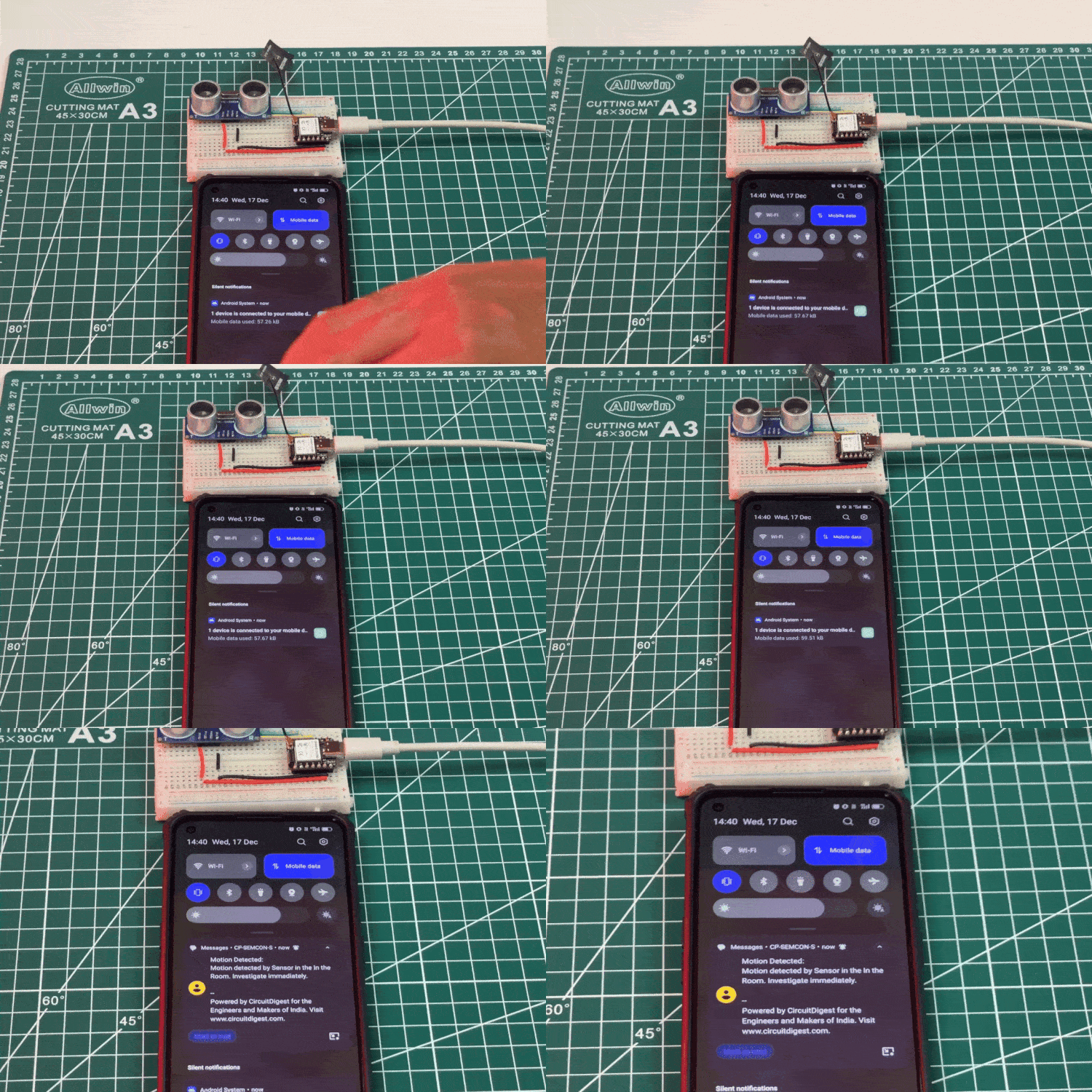
User Notification – The cloud service delivers an SMS to the registered phone number.
Steps to Build the Project
1. Hardware Connections
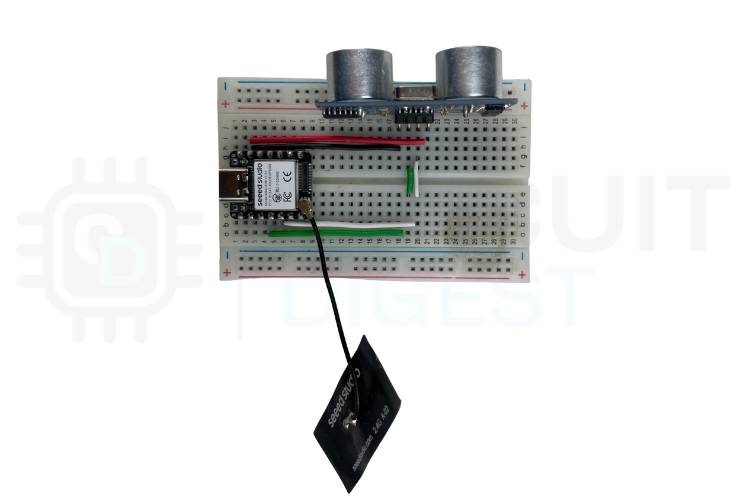
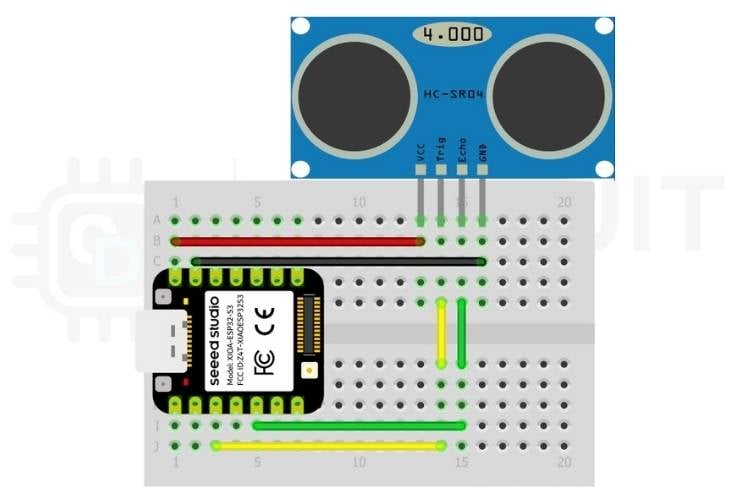
Connect the ultrasonic sensor to the XIAO ESP32 with four wires:
- VCC ➜ 5V
- GND ➜ GND
- Trig ➜ GPIO5
- Echo ➜ GPIO3
2. Programming with Arduino
Upload the Arduino sketch below that:
- Connects to your Wi-Fi
- Checks distance continuously
- Sends an SMS alert via the cloud API when movement is detected
Basic Logic Highlights:
- Use
WiFiClient to connect to the API - Construct a JSON payload with template ID and variables
- Send via HTTP POST
You’ll also find a reusable distance reading function and alert control logic to prevent repeated messages.
Practical Uses of This DIY System
This SMS alert module is highly adaptable. Here are some powerful applications:
- 🏠 Home Security: SMS alerts on door or entryway motion detection.
- 🚗 Parking Monitoring: Get notified when cars enter or leave a spot.
- 🔧 Industrial Alerting: Notify staff if restricted zones are breached.
- 🚰 Water Tank Monitoring: SMS when tank levels exceed limits.
- 🐄 Agriculture & Safety: Protect livestock or crops from intruders.
- 📦 Inventory Monitoring: Improve tracking and theft prevention.
Final Thoughts
With minimal cost and no GSM module, this project empowers makers and engineers to add reliable SMS notification functionality to their IoT builds — all while learning essential microcontroller interfacing, network communications, and cloud API integration. For more exciting and practical builds, explore our comprehensive collection of ESP32 projects that cover a wide range of IoT, automation, and sensor-based applications.