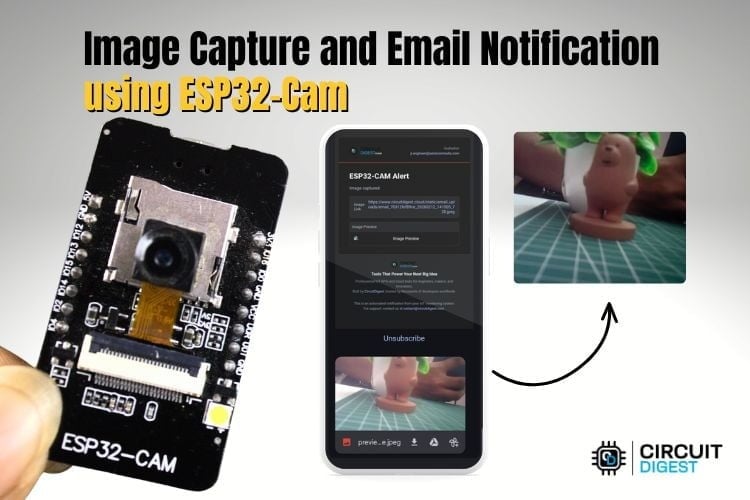
Capture images remotely and receive instant email alerts using ESP32-CAM and Wi-Fi
Overview
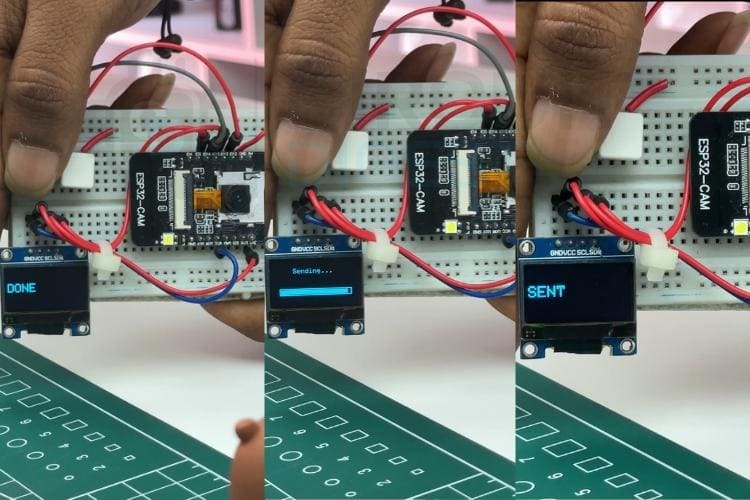
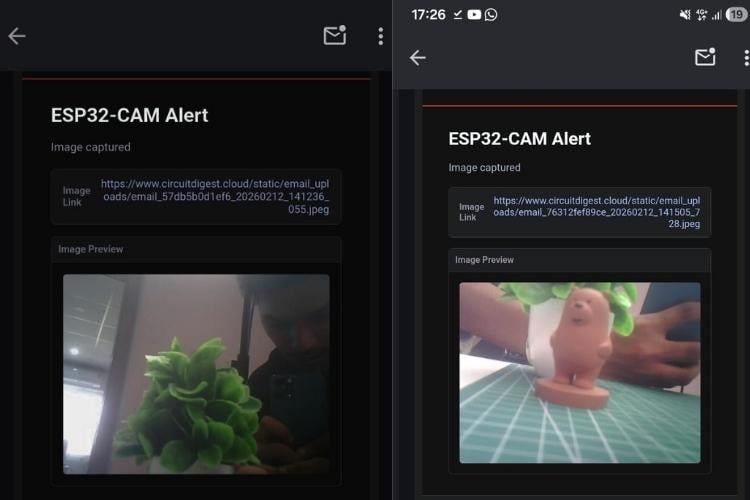
This project demonstrates how to turn the ESP32-CAM into a compact smart camera that captures images and sends them directly to your email. It’s useful for simple surveillance, motion-triggered alerts, or remote monitoring where a full CCTV setup isn’t practical. The system connects to Wi-Fi, captures an image on demand or trigger, and securely delivers it via email without needing a dedicated server. Discover a curated collection of beginner-to-advanced builds in these IoT projects with circuits, code, and real-world applications to accelerate your learning and prototyping journey.
What Makes This Project Useful
- No external server required
- Works over standard Wi-Fi networks
- Low-cost and compact setup
- Can be adapted for home security, IoT monitoring, or automation
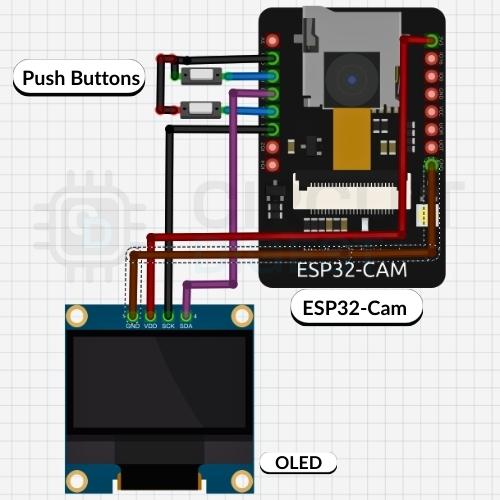
- ESP32-CAM module
- FTDI programmer (for uploading code)
- Jumper wires
- 5V power supply
Software & Tools
- Arduino IDE with ESP32 board support
- Required ESP32 camera libraries
- Email sending library compatible with SMTP
System Workflow
Title here
- ESP32-CAM connects to your Wi-Fi network
- Camera initializes and prepares for capture
- Image is captured when triggered
- Image is encoded and attached
- Email is sent using SMTP credentials
Setting Up the ESP32-CAM
- Install ESP32 board support in Arduino IDE
- Select the correct board and port
- Configure camera model settings properly
- Ensure stable power supply (important for camera operation)
Configuring Email Alerts
- Use an SMTP-supported email provider
- Enable app passwords or secure authentication
- Input sender and receiver email details in the code
- Set appropriate port and server settings
Key Features in Code
- Camera initialisation and frame capture
- Wi-Fi connection handling
- Secure email transmission
- Error handling for failed capture or send attempts
Testing the System
- Upload the code using the FTDI programmer
- Open the Serial Monitor to check connection logs
- Trigger image capture
- Verify that the email arrives with the image attachment
- Camera not initialising: Check pin configuration and power supply
- Wi-Fi not connecting: Verify SSID and password
- Email not sending: Confirm SMTP credentials and security settings
- Blurry images: Adjust camera resolution and lighting
Ideas for Improvement
Add motion detection using a PIR sensor
Store images locally on the SD card
Integrate with mobile notifications
Build a web dashboard for live preview
This ESP32 Cam capture image and send email project is a practical starting point for IoT-based monitoring systems. With a few enhancements, it can evolve into a reliable smart surveillance solution. Explore a wide range of hands-on ESP32 builds and tutorials in this curated collection of ESP32 projects for IoT and embedded systems.
Add motion detection using PIR sensor
Store images locally on SD card
Integrate with mobile notifications
Build a web dashboard for live preview