A simple guide to sending emails from ESP32 via CircuitDigest Cloud
Introduction
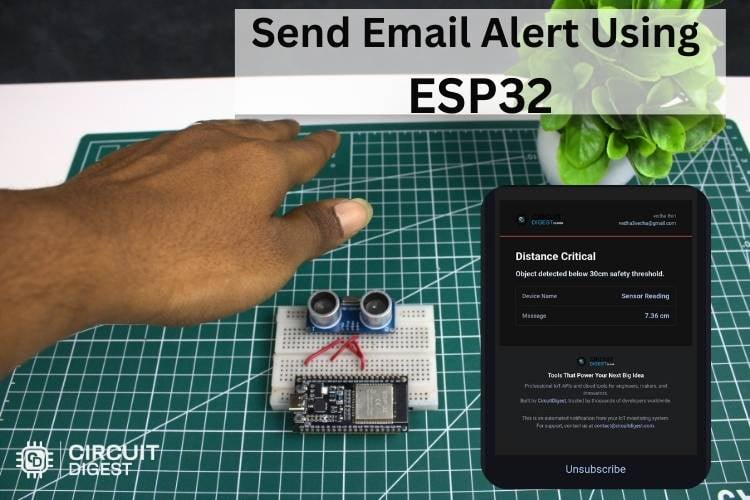
Sending emails directly from a microcontroller like the ESP32 opens up a wide range of IoT possibilities—alerts, notifications, and remote monitoring. This project demonstrates how to configure an ESP32 to send emails using a cloud-based service, eliminating the need for complex SMTP setups on the device itself. Discover hands-on builds and tutorials in IoT projects with code and schematics to learn, experiment, and create real-world connected systems.
How It Works
Instead of handling email protocols locally (which can be memory-intensive), the ESP32 sends data to a cloud platform. The cloud service then processes the request and sends the email on behalf of the device. This approach simplifies development and improves reliability.
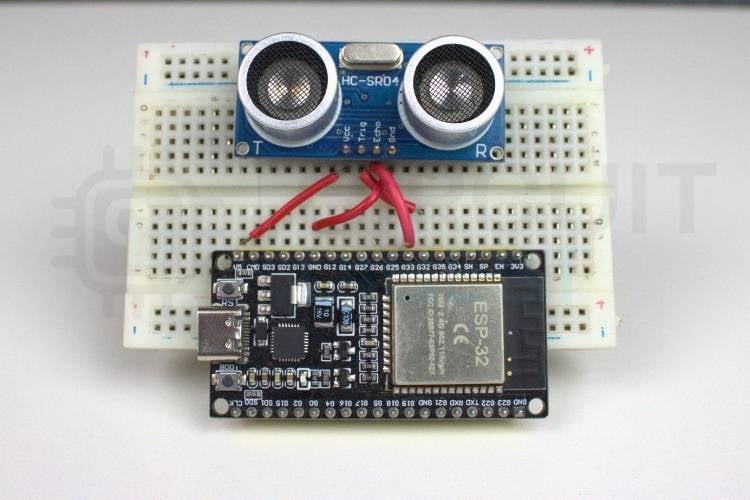
- ESP32 development board
- USB cable
- Wi-Fi connection
- CircuitDigest Cloud account
ESP32 development board
USB cable
Wi-Fi connection
CircuitDigest Cloud account
Setting Up the Cloud Service
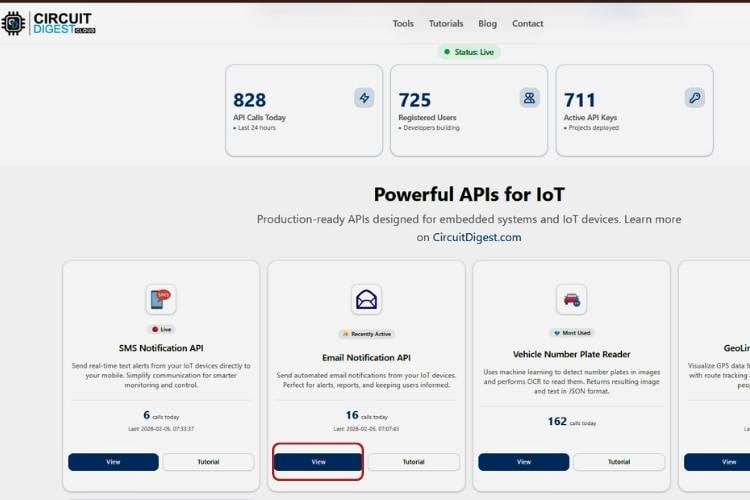
- Create an account on the CircuitDigest Cloud platform.
- Set up a new project/dashboard.
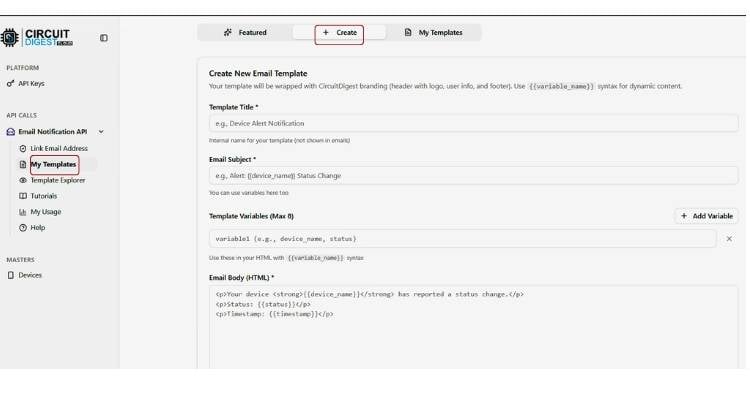
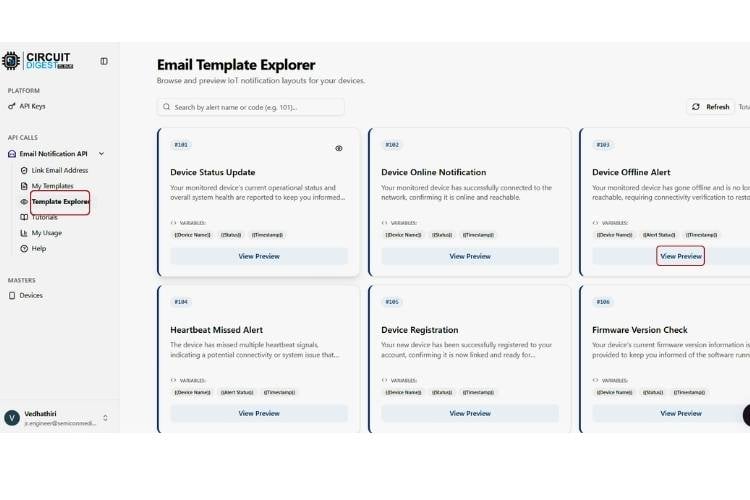
- Configure an email trigger or API endpoint within the platform.
- Enter the recipient email address and customise the message format.
Sample Workflow
Install the ESP32 board package in the Arduino IDE.
Include required libraries for Wi-Fi connectivity.
Connect the ESP32 to your Wi-Fi network using SSID and password.
Use HTTP requests to send data to the cloud API endpoint.
Trigger the email by sending a request with the required parameters.
Title here
- ESP32 connects to Wi-Fi
- A condition is met (e.g., sensor threshold or button press)
- ESP32 sends a request to the cloud server
- Cloud service processes the request
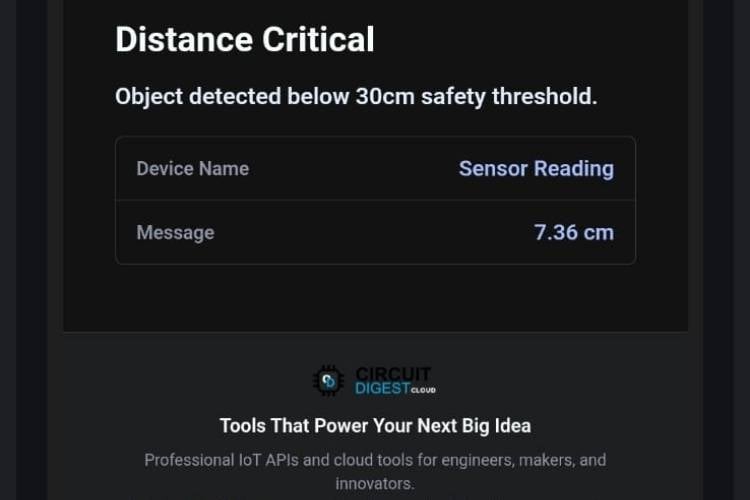
- Email is sent to the configured address
Key Code Logic
- Initialise Wi-Fi connection
- Define API endpoint URL
- Send an HTTP GET/POST request
- Handle server response
Testing the Project
- Upload the code to the ESP32.
- Open the Serial Monitor to verify Wi-Fi connection.
- Trigger the event (button press or condition).
- Check your email inbox for the notification.
Applications
Home automation alerts
Security notifications
Industrial monitoring systems
IoT-based warning systems
Advantages of Using Cloud Integration
Conclusion
- Reduces processing load on ESP32
- Avoids direct SMTP configuration
- Improves scalability
- Enables easy customization of email content
This ESP32 Send Email Notifications project provides a clean, efficient way to integrate email functionality into ESP32-based systems. By leveraging cloud services, you can quickly deploy reliable notification systems without dealing with complex protocols on embedded hardware. Explore a wide range of innovative IoT builds and tutorials on ESP32 projects to kickstart your next maker idea.