Components and Supplies

1 Arduino Uno - BUY NOW

1 Jumper Wires - BUY NOW

1 2S LiPo Battery (7.4V) or External Power Supply

1 Analog Joystick Module - BUY NOW
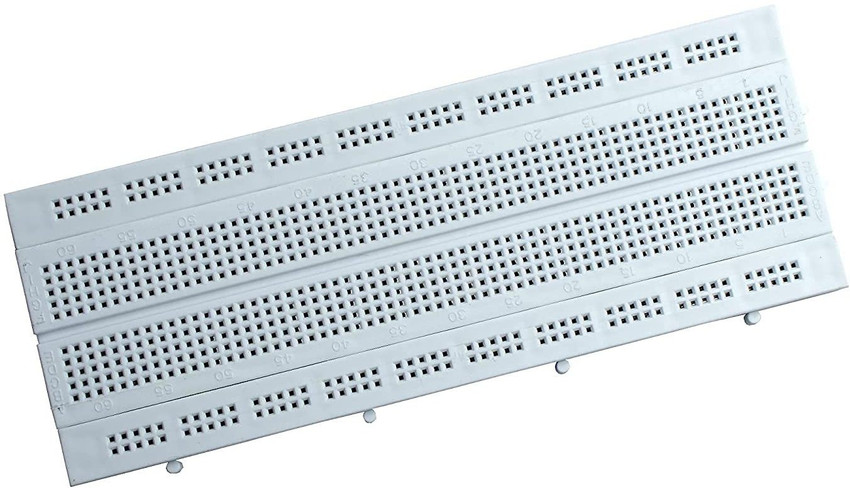
1 Breadboard - BUY NOW

1 Servo Motor (SG90) - BUY NOW

1 Servo Motor MG995 - BUY NOW
Step 1: Circuit Connections
To set up the hardware, connect the components as follows:
Joystick Module:
VCC → 5V (Arduino)
GND → GND (Arduino)
VRX (X-Axis Output) → A0 (Arduino)
VRY (Y-Axis Output) → A1 (Arduino)
SW (Button Press - Optional) → Any digital pin (Optional)
Servo Motor:
VCC (Red Wire) → External 5V Power Supply (Do not power from Arduino directly)
GND (Black or Brown Wire) → Common GND with Arduino
Signal (Yellow or Orange Wire) → Digital Pin 9 (Arduino)
Step 2: Install the Servo Library in Arduino IDE
Before writing the code, install the Servo library in Arduino IDE:
Open Arduino IDE.
Go to Sketch → Include Library → Manage Libraries.
In the search bar, type "Servo".
Install the "Servo by Arduino" library.

Step 3: Upload the Code
Now, upload the following Arduino code to read joystick inputs and control the servo motor:
Step 4: Understanding the Code
The Servo library is used to control the servo motor.
Analog values (0-1023) from the joystick are mapped to servo angles (0-180 degrees) using the map() function.
The servo motor moves to the corresponding position based on joystick input.
Step 5: Power Considerations
A servo motor can draw significant current, so use an external power source (5V) instead of the Arduino's 5V pin.
Ensure that the ground (GND) of the servo and Arduino is connected to complete the circuit.
This project allows you to control a servo motor using an analog joystick and an Arduino. By mapping joystick movements to servo positions, you gain precise control over motion-based applications. This setup is a great way for beginners to learn about servo control and joystick interfacing with Arduino. Happy building!
CODE
#include <Servo.h>

Servo myServo;  // Create a servo object
int xPin = A0;  // Joystick X-axis
int yPin = A1;  // Joystick Y-axis (Optional for dual-axis control)
int servoPin = 9;

void setup() {
    myServo.attach(servoPin);
    pinMode(xPin, INPUT);
    pinMode(yPin, INPUT);
}

void loop() {
    int xValue = analogRead(xPin);  // Read joystick X-axis value
    int angle = map(xValue, 0, 1023, 0, 180);  // Convert to servo angle
    myServo.write(angle);  // Move servo to the mapped position
    delay(15);  // Small delay for smooth movement
}



