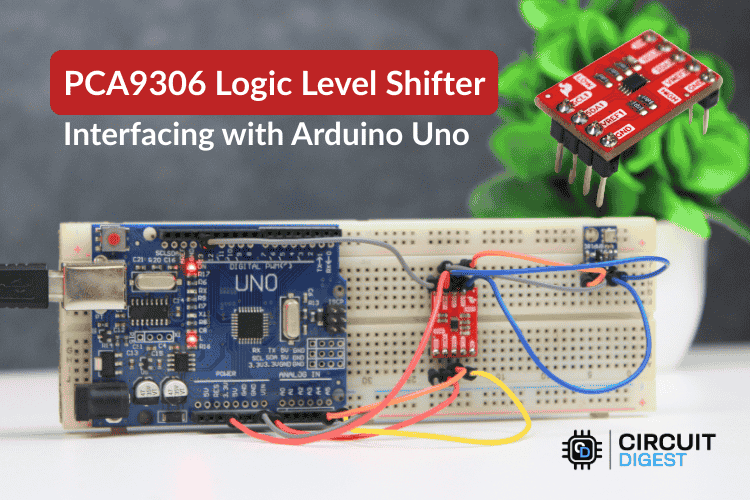
How to interface a PCA9306 bidirectional I²C level shifter with Arduino UNO — wiring, code, and troubleshooting for reliable 5V ↔ 3.3V communication.
If you’re working with 3.3V I²C sensors and a 5V Arduino UNO, direct connections can damage your hardware or cause unstable communication. In this tutorial, you’ll learn how to Interfacing PCA9306 Module with Arduino Uno to safely and reliably connect devices operating at different voltage levels — without changing your Arduino code.
This project is ideal for makers building sensor networks, IoT devices, or embedded systems that mix voltage domains.
🔧 What You’ll Learn
✔ What the PCA9306 level shifter does and how it works
✔ How to wire PCA9306 with Arduino UNO and 3.3V I²C sensors
✔ How to run I²C communication without modifying firmware
✔ Common troubleshooting tips for mixed-voltage projects
📘 What Is the PCA9306?
The PCA9306 is a bidirectional voltage level translator designed specifically for I²C and SMBus communication. It automatically shifts signals between two voltage domains (such as 3.3V and 5V) using an open-drain architecture — meaning no direction control pins or software configuration are required.
This makes it perfect for Arduino projects where modern low-voltage sensors must interface with legacy 5V microcontrollers.
PCA9306 Module with Arduino Uno
🔗 Wiring PCA9306 with Arduino UNO
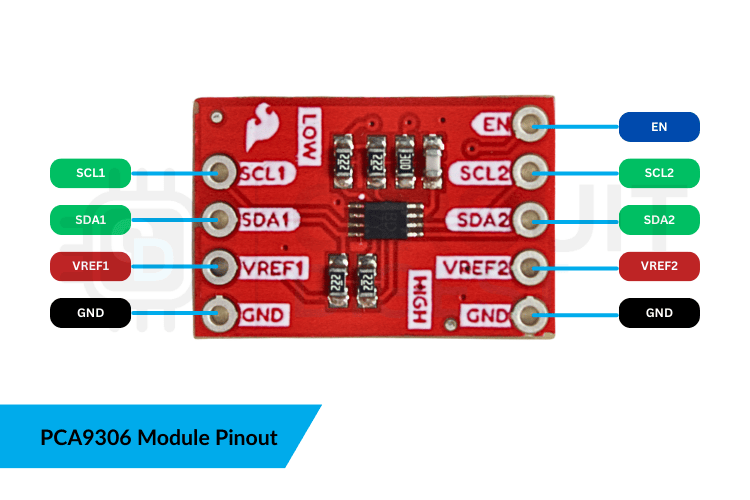
1️⃣ Connect VREF1 → 3.3V
2️⃣ Connect VREF2 → 5V
3️⃣ Connect SDA2 → A4 and SCL2 → A5 on Arduino UNO
4️⃣ Connect SDA1 and SCL1 → Sensor SDA/SCL
5️⃣ Tie EN → 5V
6️⃣ Connect all grounds
Once wired, the PCA9306 automatically translates I²C signals between voltage levels in both directions.
💻 Arduino Code Example
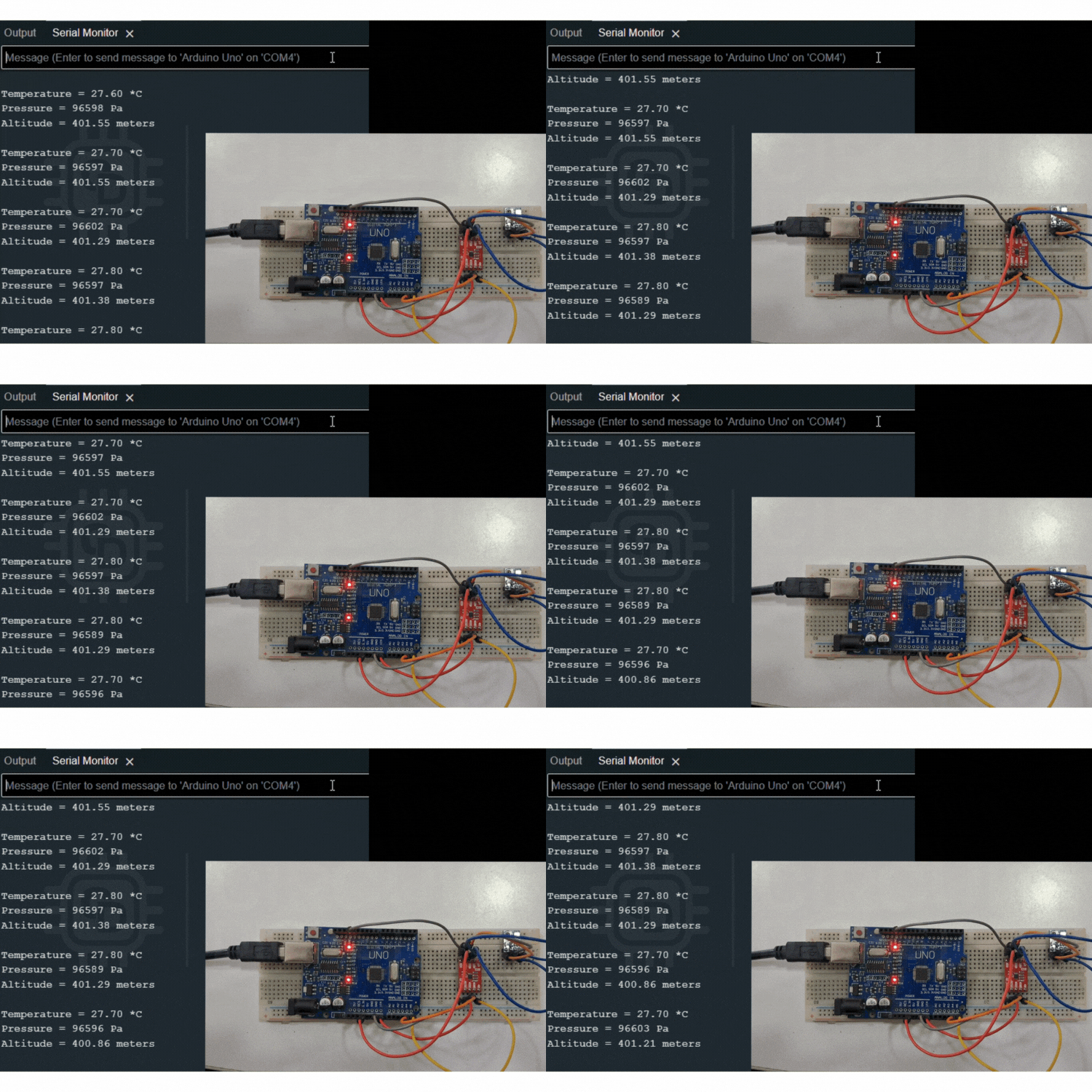
No special code is required for the PCA9306. Simply use your standard I²C sensor sketch:
#include <Wire.h>

void setup() {
  Serial.begin(9600);
  Wire.begin();
}

void loop() {
  // Read data from I2C sensor as usual
}
The level shifter operates transparently between the Arduino and your sensor.
🛠 Troubleshooting Tips
⚠ Sensor not detected?
- Ensure the EN pin is tied high
- Confirm VREF1 and VREF2 voltages
- Check for pull-up resistors on both I²C lines
- Verify common ground
- Keep I²C wires short to avoid noise
🌍 Real-World Applications
✅ Connecting 3.3V sensors to Arduino UNO
✅ IoT devices with mixed-voltage peripherals
✅ EEPROM and RTC modules
✅ Embedded prototyping platforms
✅ Robotics and automation controllers