Flooding in urban environments leads to traffic gridlocks, road damage, and safety hazards. UrbanFloodGuard is a compact, cost-effective, and intelligent flood monitoring system that combines capacitive water sensing and IoT connectivity to assess flood levels and report hazardous zones in real time.
Project Summary
Flooding in urban environments leads to traffic gridlocks, road damage, and safety hazards. UrbanFloodGuard is a compact, cost-effective, and intelligent flood monitoring system that combines capacitive water sensing and IoT connectivity to assess flood levels and report hazardous zones in real time.
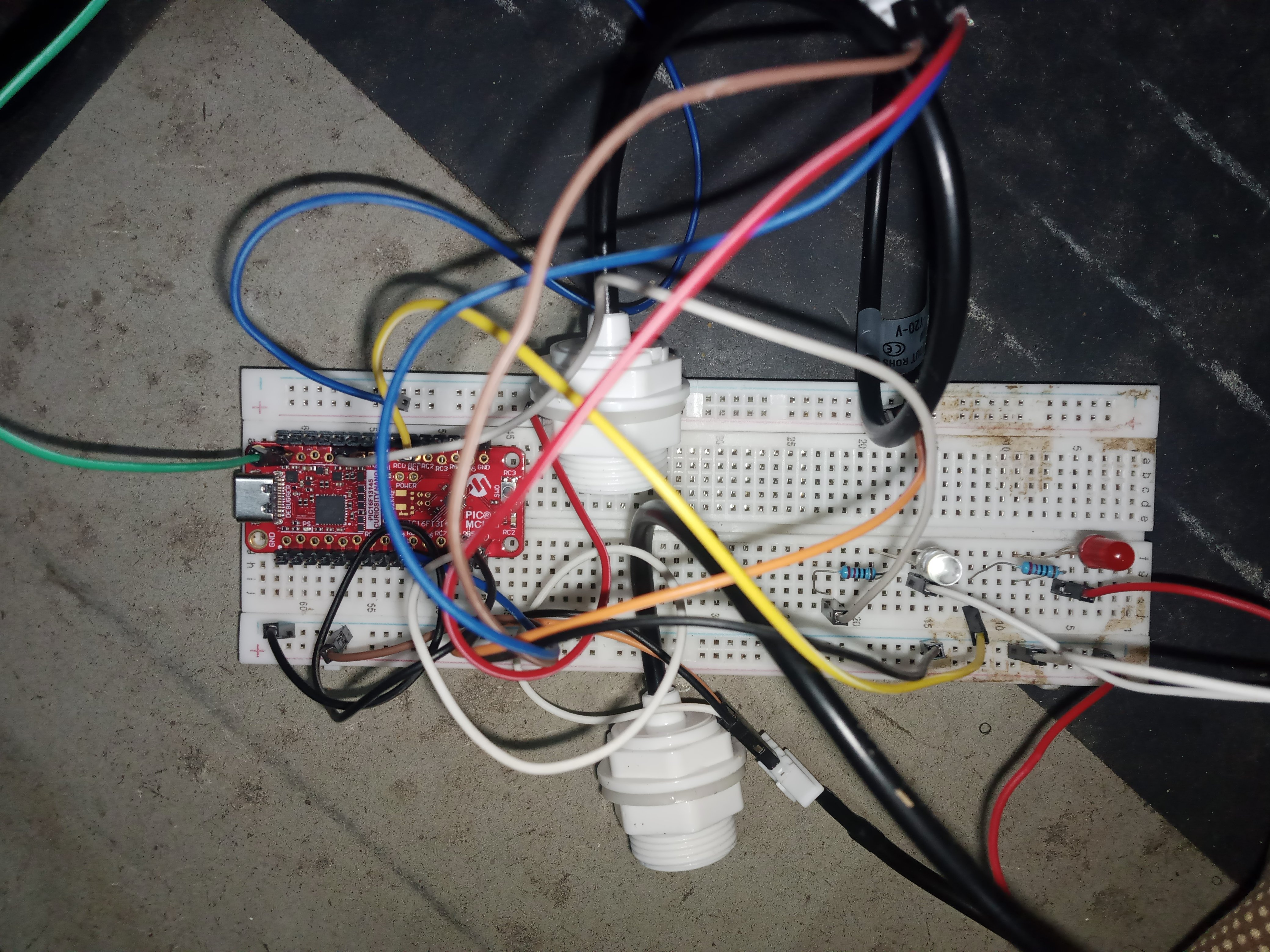
The system uses two capacitive water-level sensors placed at different vertical positions to differentiate between:
- Light flooding (only one sensor triggered) and
- Critical flooding (both sensors triggered).
Visual feedback is provided via multi-color LEDs:
- White: Light flooding; caution advised.
- Red: Road heavily flooded; immediate rerouting needed.
To enhance functionality, the system integrates the ATWLC3000-110UA, a low-power Wi-Fi module, to deploy real-time data to the web. When the system detects a flooded condition, it automatically updates a cloud dashboard, marking the road segment as unsafe.
With its focus on early warning, low-cost deployment, and smart data, UrbanFloodGuard offers a scalable solution for smart cities looking to manage flood risks and improve road safety during rainy seasons.
The Power of Core Functional Blocks (CFB) in My Project
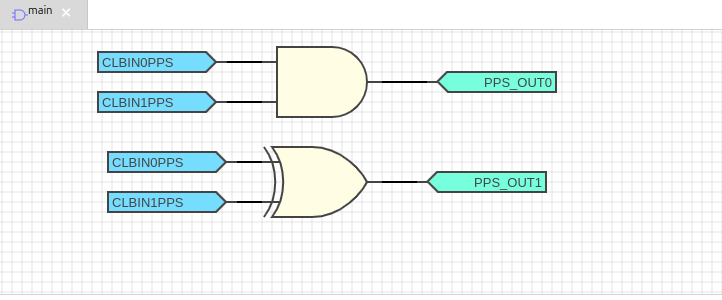
One of the standout features of my flood detection system is not just what it does, but how it was built. Instead of writing all the logic manually in C code, I used MPLAB's Core Functional Blocks (CFB), a visual logic builder that allowed me to design, simulate, and generate the core decision-making logic without typing a single line of logic code.
What is CFB?
CFB is a graphical drag-and-drop tool inside MPLAB IDE that lets you:
- Create digital logic visually
- Link conditions, outputs, inputs like flip-flops, AND/OR gates, and timers
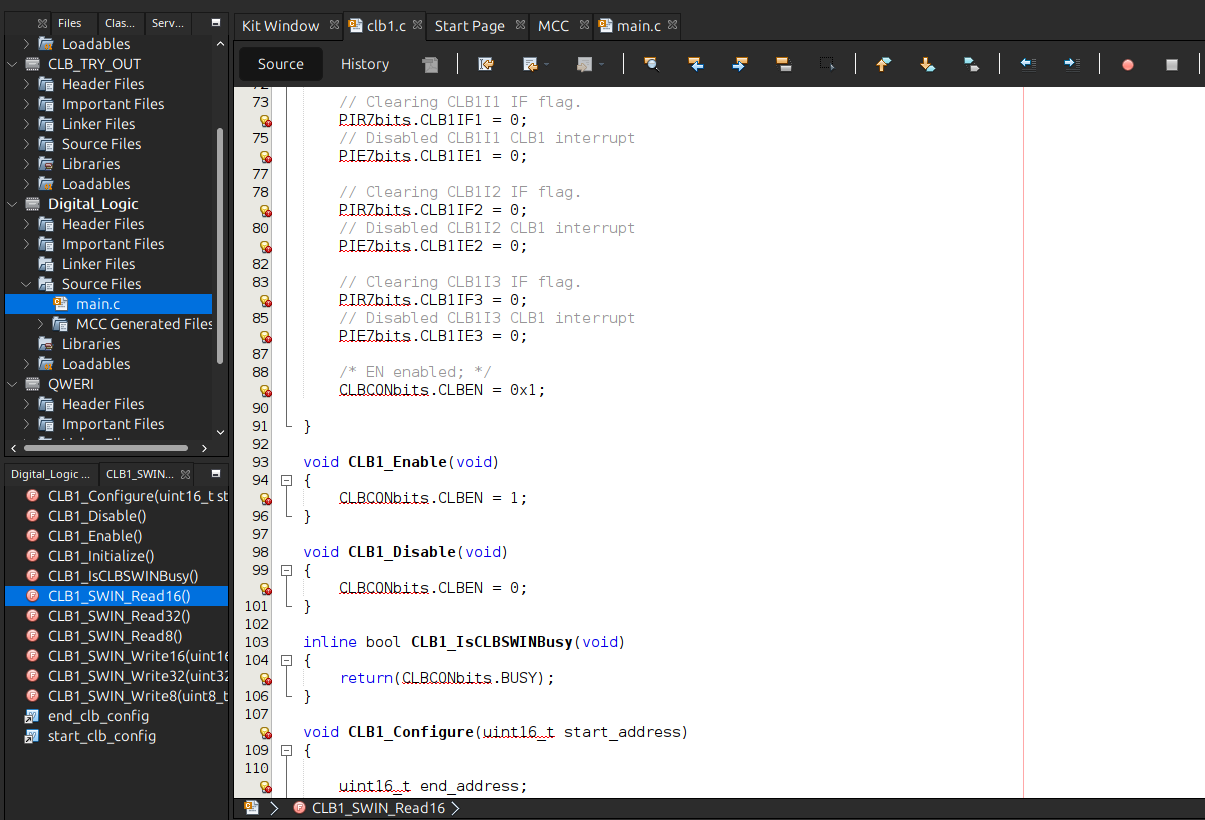
- Auto-generate C code from the logic blocks
- Run it on a real PIC microcontroller instantly
How It Helped My Project:
Fast Prototyping
Instead of spending hours coding if-else logic manually, I quickly mapped my sensor logic:
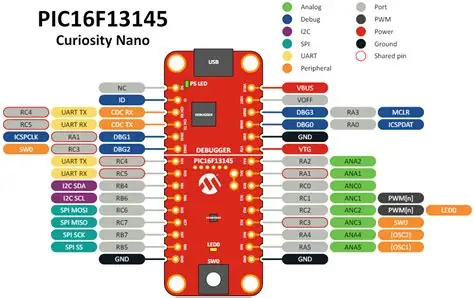
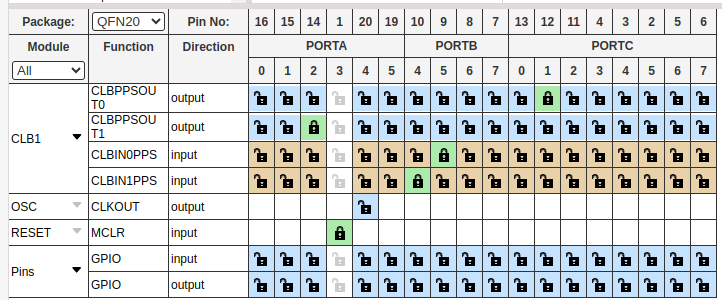
- Two sensors → 2 LED outputs
- 2 unique conditions → White, Red output
- All handled in a visual block diagram
Error-Free Logic
The CFB tool guaranteed accuracy. Since it generates the C code automatically, I avoided manual coding mistakes, syntax errors, and edge cases.
Smart Code Generation
CFB generated the full main.c decision logic based on my truth table. I only needed to connect sensors and LEDs. This reduced development time drastically and let me focus on real-world testing and Wi-Fi integration (ATWLC3000-110UA).
About the ATWLC3000-110UA Module
The ATWLC3000-110UA is a low-power Wi-Fi 4 module from Microchip that supports:
- IEEE 802.11 b/g/n
- 2.4 GHz frequency operation
- SPI interface for easy integration with low-end microcontrollers like the PIC16 series
- Ultra-small form factor and low-power standby modes
In this project, the module:
- Transmits flood level data over Wi-Fi
- Connects to a lightweight backend (e.g., Firebase, Blynk, or HTTP POST to a server)
- Flags the location as “Safe,” “Light Flood,” or “Severe Flood” for smartphone/web monitoring