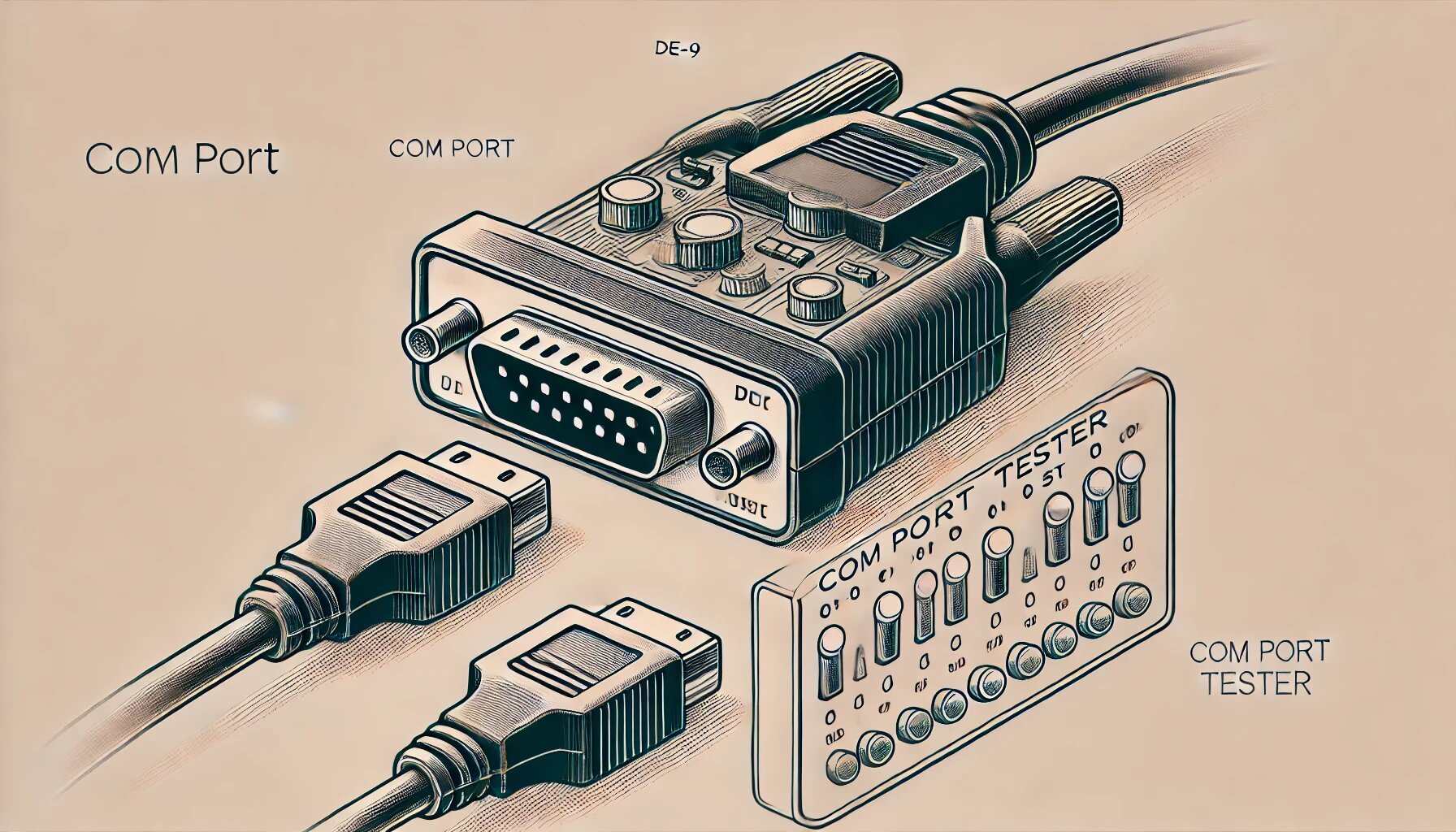
Learn how to effectively test and troubleshoot COM ports using various tools and techniques like Serial Port Monitor. This guide explores key features such as real-time monitoring, loopback tests, and data emulation to ensure seamless communication between hardware and applications.
Testing COM ports is an essential task for anyone dealing with serial communication, particularly when working with RS232, RS422, and RS485 protocols. COM port testers are vital tools for diagnosing connection issues, monitoring data transmission, and ensuring that both hardware and software interact correctly through these ports.
Why Use a COM Port Tester?
A COM port tester allows users to track, monitor, and analyze the activity of serial ports on their computers. These testers are useful for debugging, developing applications that rely on serial communication, and ensuring that devices like modems, printers, and industrial machinery function as intended. Key features often include real-time data capture, filtering options, and the ability to emulate data exchange between a computer and serial devices.
Key Features of COM Port Testers
- Monitoring and Logging: COM port testers such as Serial Port Monitor provide real-time monitoring of serial port activity. This helps capture all incoming and outgoing data for analysis. Tools like these offer multiple data views (e.g., terminal, dump, table) to make monitoring more manageable and customizable for different use cases.
- Testing Multiple Ports: Some software, like Serial Port Tester, can test multiple COM ports simultaneously, allowing you to observe how different devices and applications interact in real-time. This is particularly useful for more complex setups that involve multiple serial connections.
- Loopback Testing: A loopback test is a simple yet effective diagnostic process where data sent to a COM port is looped back to the same port to verify its functionality. This test is critical in pinpointing hardware issues or misconfigurations in the serial network.
- Emulation and Data Sending: These tools allow users to send test data (in formats like hexadecimal or ASCII) to a specific COM port and analyze the device's response. This feature is vital for developers working with embedded systems or industrial devices that communicate via serial ports.
- Modbus Protocol Support: Advanced COM port testers provide the ability to monitor and analyze data sent using Modbus RTU and Modbus ASCII protocols, which are common in industrial applications.
When to Use a COM Port Tester
- Debugging Hardware: If a device isn't responding as expected, a COM port tester can help isolate whether the issue is with the hardware or communication protocol.
- Developing and Testing Applications: Developers can monitor serial data in real-time and emulate various communication scenarios to ensure their applications handle serial data correctly.
- Troubleshooting Peripheral Devices: COM port testers can be used to troubleshoot devices like barcode scanners, printers, and other peripherals that rely on serial communication.
In conclusion, whether you’re debugging a serial connection, developing applications, or simply testing hardware, a reliable COM port tester is indispensable. These tools simplify the process of serial communication analysis, help you catch and resolve issues faster, and ensure smoother device operation.