Maker Pro
SeedStudio Z1

PRESS & EAT: From Idea to Hardware in 5 Minutes

SL
July 31, 2026 by shirley li
Share
banner

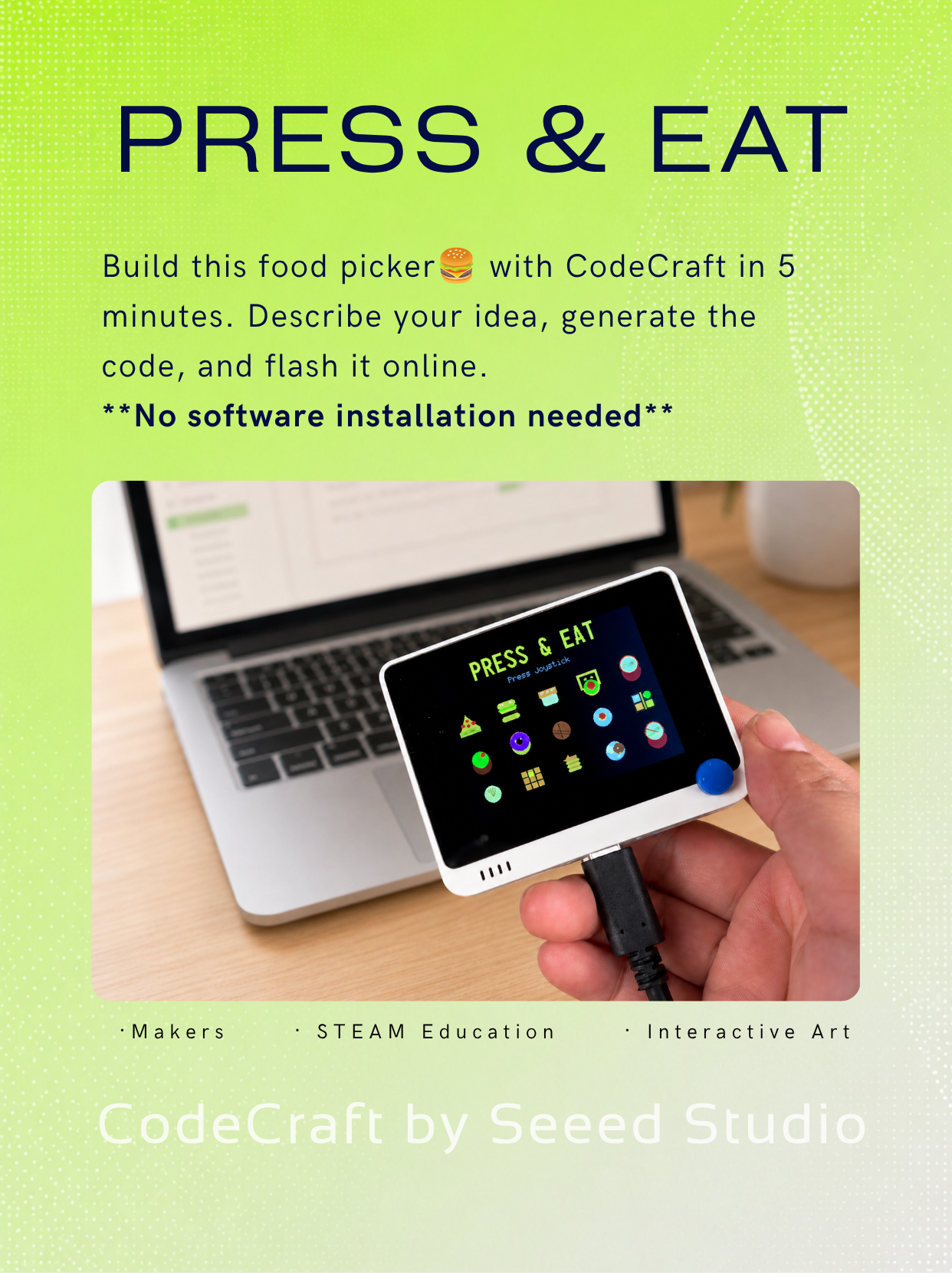
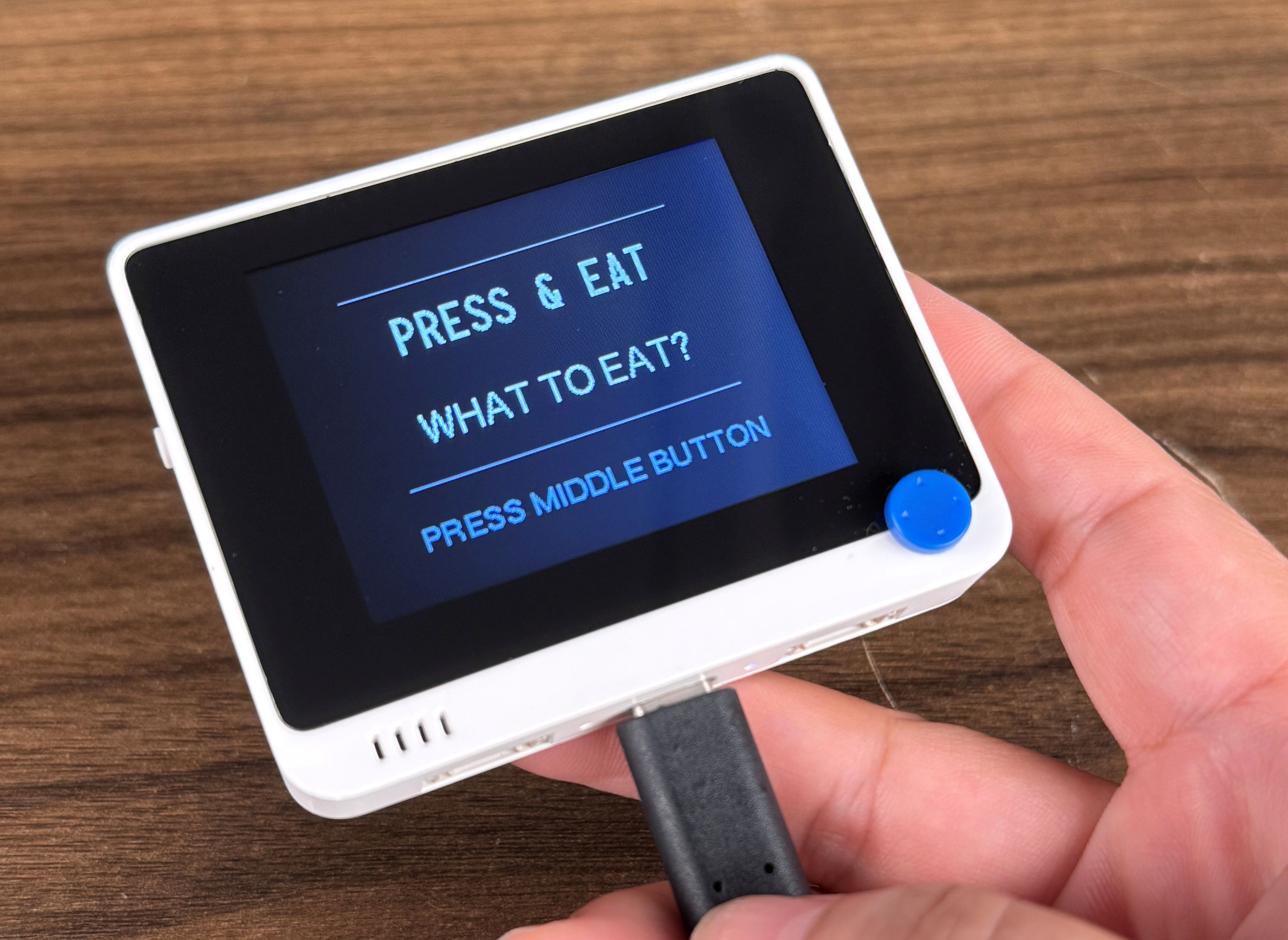
A Wio Terminal gadget that solves "what to eat today": press the joystick to randomly scroll through 20 foods, and after 2 seconds it stops to tell you what to eat.

Build and Test with CodeCraft

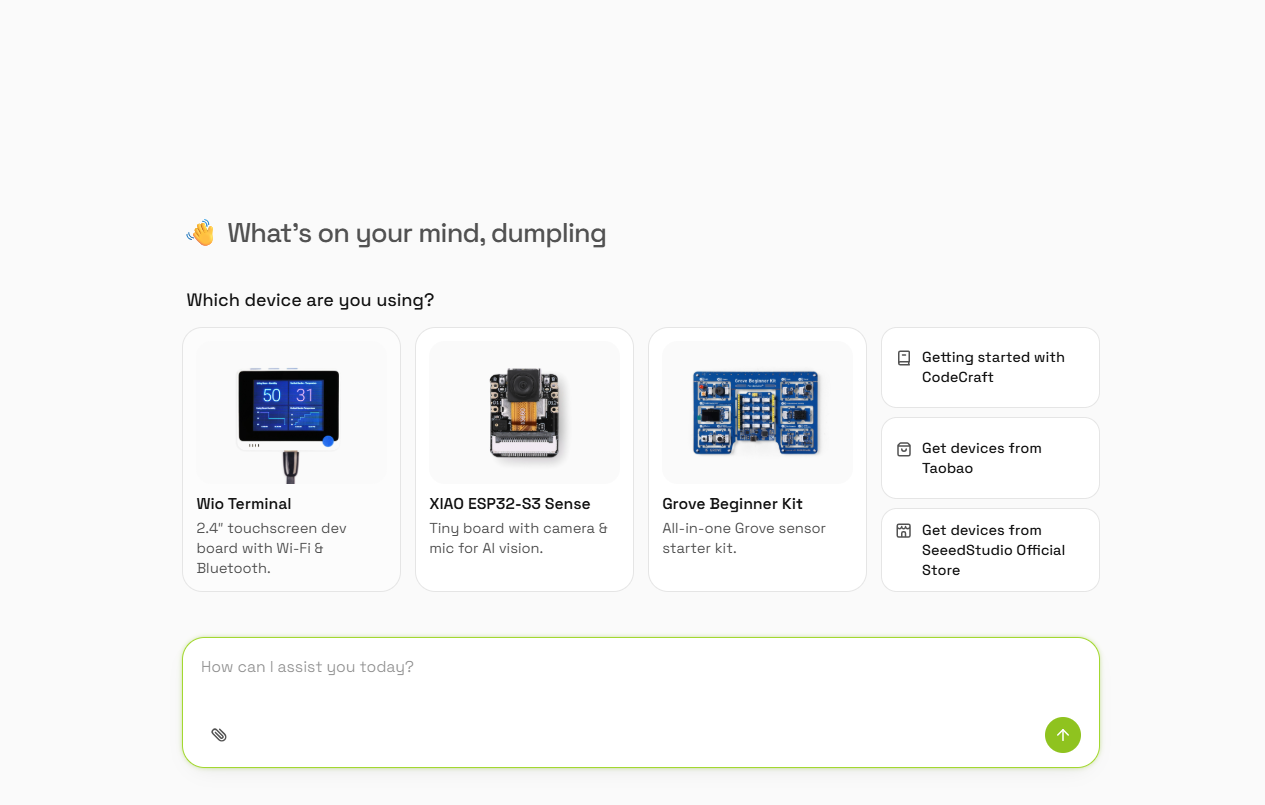
Step 1: Open CodeCraft

Go to https://codecraft.seeed.cc in your browser, log in, click "Create Project", and select Wio Terminal as the board.

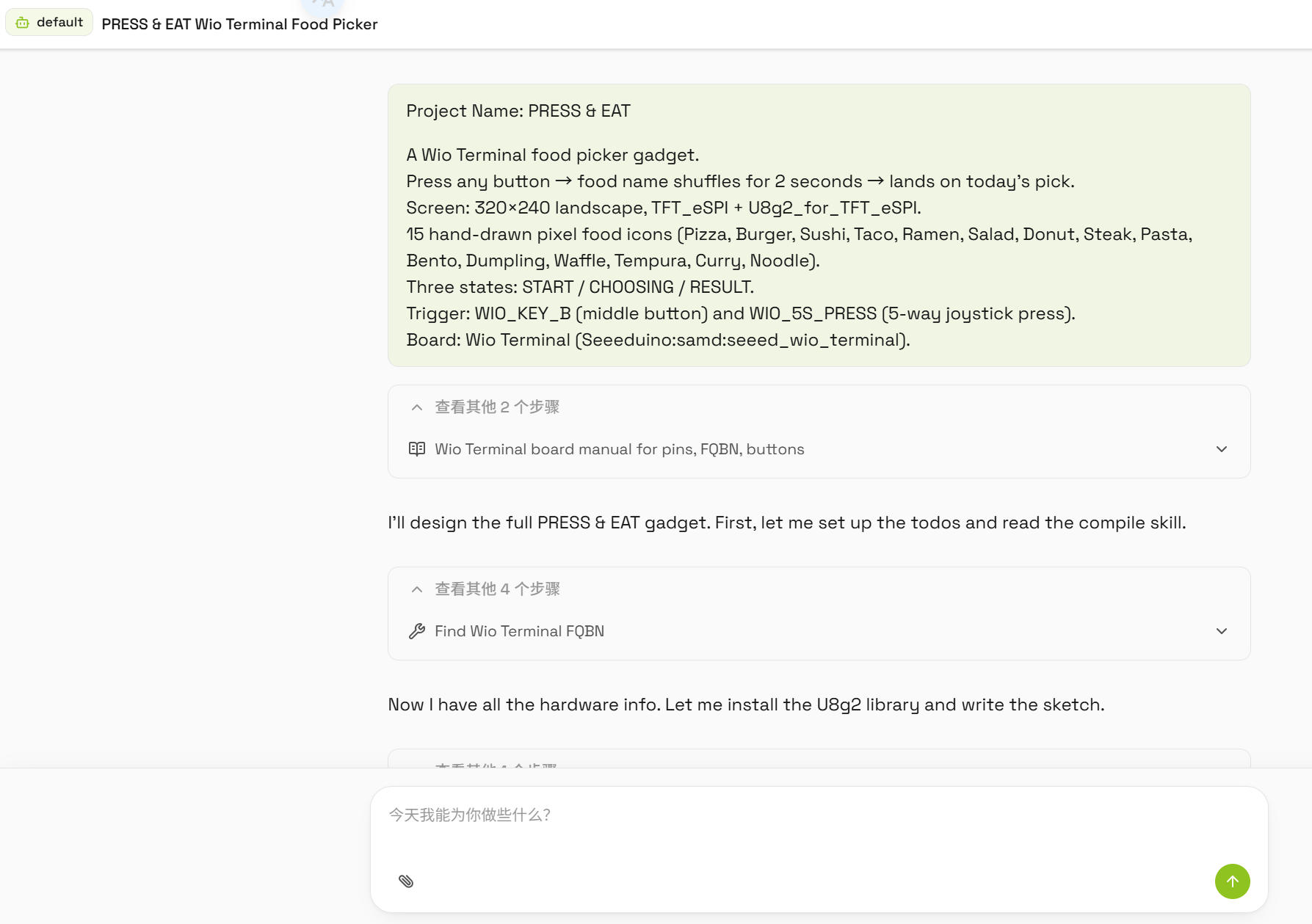
Step 2: Enter the project prompt

Enter the following prompt in CodeCraft's dialog:

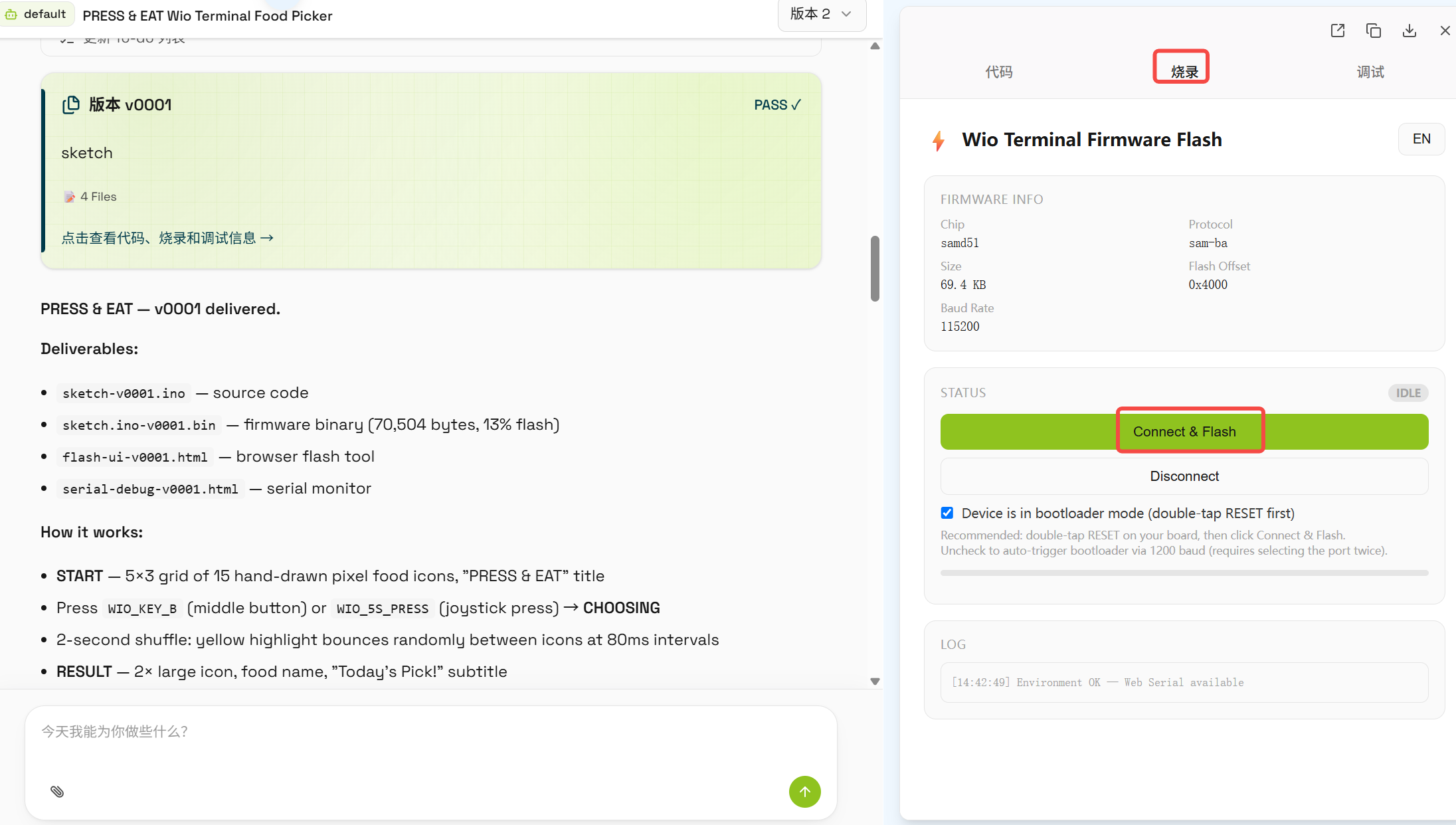
Step 3: Generate and burn

Wait for CodeCraft to generate the code. Connect Wio Terminal to your computer with the USB cable, select the correct serial port in CodeCraft, and click burn.

Step 4: Test

After burning, the Wio Terminal screen shows the idle screen. Press the 5-way joystick and watch the food names scroll rapidly, then stop after 2 seconds showing the final result. Press again to pick again.

Related Content

Categories

Comments


You May Also Like